Recruit your AI workforce.
Tell it what you need, out loud or typed. It hands the work out to AI workers who get it done, and asks you before anything leaves the building.
Free to download. Everyday work runs at no cost on your own free Google key.
20 jobs it runs 36 apps connected your files stay on your computer
See it work
A look around, in fifty seconds.
The actual application, recorded as it runs. The console you talk to, the workers, the task board, and the twenty engines with what each one costs.
Why this one
Three things nothing else does.
Plenty of tools will draft you an email. These are the reasons businesses keep this one running after the novelty wears off.
One
You are never guessing what it costs
Every job is one of two things: free, because it ran on your own free Google key, or a fixed price you saw before it started. Ten cents for a lead you keep. One euro for a tailored application. There is no token meter running in the background and no bill at the end of the month that you have to reverse-engineer.
Most AI tools bill you per token, which is a unit you cannot count, for work you have not seen yet. That is the thing that stops people using them properly.
Free, or a number you already knewTwo
Your files never leave your computer
It reads and indexes your documents on your own machine, offline. No upload step, no copy on our side, nothing to leak and nothing to subpoena from us. The memory is a folder of plain text files you can open, edit and back up yourself.
If you handle anything under a confidentiality duty, this is usually the clause that decides whether you can use AI at all.
Indexed on your machine, offlineThree
What your team learns, the business keeps
Everyone works into one shared memory. Notes, decisions, reference material and the conversations behind them sync across the company every hour, in both directions, and the whole lot is searchable.
So when someone leaves, the handover is not a document nobody wrote. How they priced that job, why the client wanted it that way, the wording that actually worked — it is already in there, and the next person can ask for it.
This is the one that compounds. A company that has been running it for a year knows things a new install cannot.
One brain, and it staysStart here
Which of these is you?
You run a business
Sales is the thing that never gets done, because you are the one who has to do it and you are also doing everything else.
Start with the sales engineYou run a practice
You would hand over half your admin tomorrow, if you could be certain nothing about a client ever leaves your machine.
Read how your data is handledYou run someone's diary
Two inboxes, two calendars, and everything anyone asks for lands in one of them. It drafts in their voice, not yours.
See the inbox engineYou run a startup
You are paying an agency for work you could describe in a paragraph, and waiting a week for it.
See all twenty enginesWhat it is
What is this, exactly?
Three levels, like a real company. You talk to an assistant. It passes the big things to a chief executive who plans them. The plan goes to workers who do the job with real tools. The one that plans has no tools of its own.
You talk to
The assistant
Voice or typing. Small things it handles on the spot. Big things go upstairs, and you get told what happened.
Which plans
The chief executive
Turns your ask into a plan, picks who does what, and checks what comes back. It has no way into your email, your calendar, your files or your customers.
Which does the work
The workers
Each one gets only the apps you allow it. You can change which AI it uses, limit what it touches, or pause it.
A comment one of our engineers left in the code, not marketing copy:
“CEO never executes.”
What it does
What can it actually do for me?
Twenty jobs, each run start to finish rather than one step at a time. Six of them are the ones people install it for.
Sales
Finds companies that match the customers you already have, checks the contact details are real, writes the outreach and chases the follow-ups.
Finding is free · €0.10 per lead you keep How it works →Marketing
Studies your brand and your rivals, builds a plan and a calendar, writes the posts, and tells you which channel actually brought leads.
€0.35 per campaign of 3 How it works →Inbox and replies
Reads the mailboxes you choose, drafts replies in your voice, and pulls out the things people have assigned you.
€0.02–0.05 per reply drafted How it works →Competitor prices
Reads your rivals’ pricing pages, shows where you sit, and tells you when one of them moves.
€0.10 per competitor, per check How it works →Video studio
Say a rough idea out loud. It writes the script, breaks it into scenes, and films them one at a time.
€0.05–0.20 per second of film How it works →Job applications
Matches your CV to jobs you can realistically get, checks each one is still open, and writes a tailored CV and letter for it.
€1.00 per application How it works →Getting started
Do I have to learn it?
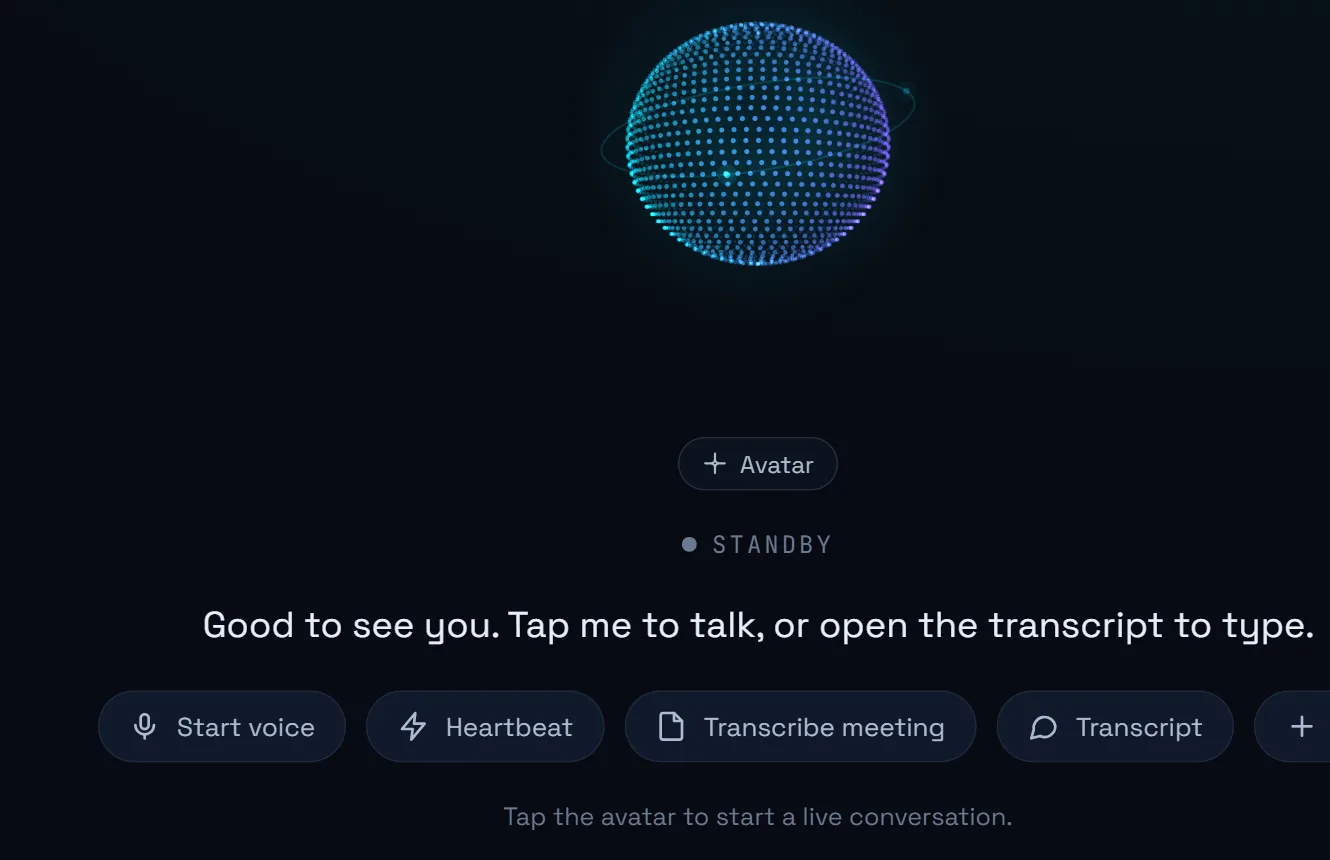
No. You talk to it. Tap the sphere, say what you want in ordinary words, and cut in mid-sentence if it goes the wrong way. There is no interface to master.
- It is a real conversation, not dictation fed to a chatbot. You can interrupt it.
- Talking can hand work to the whole team, not just answer a question.
- It knows the same things whether you speak or type.
- It can record a meeting you are sitting in and file the transcript into your notes.
Cost
What will this cost me?
Everyday work costs nothing. It runs on a free Google key you set up in two minutes, and it picks a cheap AI for the simple steps. You pay per job finished, and it shows you the price before it spends.
A real month, with the arithmetic shown
A two-person consultancy doing outbound. It finds 200 companies, which costs nothing. You look through them and keep 40, at €0.10 each. It writes and sends the outreach and chases the follow-ups.
About €12 for the month.
Your data
Where do my files live?
On your computer, in a normal folder you can open and back up. It reads and indexes them there, offline. Your documents and your memory never leave the machine, and there is no per-search cost because nothing is being sent anywhere.
It remembers your business
Who your customers are, how you sign off an email, which template you use. It gets better at finding the right thing the more you use it, and it learns how you write from your own emails.
And it stays yours
It is a folder of plain text files. Open one and correct it by hand, and your correction survives. Stop using Workforce 2.0 and the folder stays exactly where it is.
One thing that does leave, and only if you let it
Your own Google key gets used first, always. If your free allowance has been refusing for about 90 seconds and you are signed in, engine work can go through our connection instead so the job finishes rather than dying halfway. Conversations and background housekeeping never do, and you can switch it off. Your files and your memory are not part of this either way.
Staying in control
What stops it doing something I didn't ask for?
You decide how far it can go: read only, draft but never send, or send. Anything that sends, publishes or spends stops and waits for you. If you are not there to answer, it stops rather than sending.
- Every attempt goes through the same gate. The assistant, a worker, an engine — whoever asked, it is the same check. A new feature cannot forget to ask you.
- No answer within 90 seconds counts as a no. Not as a quiet yes.
- Every decision is written down, so you can see what was asked and what you said.
- It stops at zero. It checks your balance before it starts a job, not after.
The reason, again from the code:
“unattended runs should not silently send messages to real people.”
While you are away
What runs while I'm asleep?
A specific list, rather than the phrase "runs in the background". Each of these ticks on its own, and pauses when you are using the machine for something else.
| Job | How often |
|---|---|
| Sales follow-ups, and topping up the list | every 10 minutes |
| Checking competitor prices | hourly, each page once a day |
| Syncing shared files for the team | hourly |
| Learning how you write | every 6 hours |
| Rebuilding the map of your documents | when they change |
| Checking your calendar and task sheets | every 60 seconds |
| Raising something worth interrupting you for | at most one, 20-min cooldown |
On why it will not nag you:
“an assistant that always has something to say is one the user turns off”
Get it
Free to download and free to run the everyday work. It installs like any other Windows program. No server, no IT person, no monthly minimum.
It updates itself when you say yes, and you can go back to any earlier version.
Questions people ask first
Do I need to be technical to use it?
No. You talk to it or type at it in ordinary words, and it hands the work out. Setup is one free Google key, which takes about two minutes, and the app walks you through it on first launch.
Do I need an API key, and is it free?
Yes, and yes. You need a free Google key, which is a password that lets the app use Google's AI on your behalf. You create it at aistudio.google.com/apikey with any Google account. There is no card to enter and no charge. The steps, with screenshots →
Will it send emails without asking me?
No. Sending, publishing and spending all need your approval, and every attempt goes through the same gate. If you are not there to answer within 90 seconds, it stops rather than sending. More on approvals →
Where does my data live?
On your computer, in a normal folder you can open and back up. It reads and indexes your files there, offline, so your documents and memory never leave the machine. What it remembers →
How much does it cost to run?
Everyday work costs nothing, because it runs on your own free Google key and picks a cheap AI for simple steps. Finished jobs are charged per unit, for example ten cents for each sales lead you decide to keep. A two-person consultancy doing outbound spends around twelve euros a month. The full price list →
Will I get a surprise bill?
No. Every job is either free, because it ran on your own free Google key, or a fixed price shown before it starts. Nothing is billed per token, and it stops at zero rather than running a balance you have to settle later. Three worked months →
What happens to what we have learned if someone leaves?
It stays. Everyone in the company works into one shared memory that syncs hourly in both directions, so notes, decisions, reference material and the conversations behind them belong to the business rather than to one person's laptop. The next person can search it and ask about it.
Does it work on a Mac?
Not yet. Workforce 2.0 runs on Windows, and there is an Android build. A Mac version is not available today.