Memory
It remembers your business. On your computer.
Most AI forgets you between chats. This builds up what it knows about your business, keeps it on your machines, and gets better at finding the right thing the more you use it.
What does it remember?
Five separate memories, deliberately kept apart. Lumping everything into one bucket is how a customer's throwaway remark ends up quoted back as company policy.
Your documents
Everything in your folder: contracts, notes, spreadsheets, decks, meeting transcripts.
What it produced
The campaigns, drafts, reports and films the workforce has made for you.
Its skills
The professional judgement it applies, and your edits to it.
How you write
Learned from your own correspondence, so drafts sound like you.
What people said to you
Kept separate from everything above, and it stays that way.
Can something a customer told me end up in an email to somebody else?
No. The wall between those memories only runs one way, by design. What a customer said in a conversation cannot answer a question about your business, and your confidential business memory is never pulled into a reply going out.
If you handle anything under a duty of confidence, this is the part to read twice. It is a structural rule, not a filter that tries to spot problems after the fact.
Does my data go somewhere to be indexed?
No. It reads and indexes your files on your own computer, offline, in about the blink of an eye per search.
- No upload step, so there is no copy of your documents on our side.
- No cost per search, because nothing is being sent anywhere. Search as much as you like.
- It keeps working when your daily free allowance is spent, because searching does not need an AI at all.
Most tools charge for every lookup, which quietly teaches them to look less. This one can afford to be thorough because looking is free.
How does it find the right thing?
It searches by meaning and by exact words, then combines the two. Meaning alone misses the invoice number; exact words alone miss the document that says the same thing differently.
What is the map of my documents?
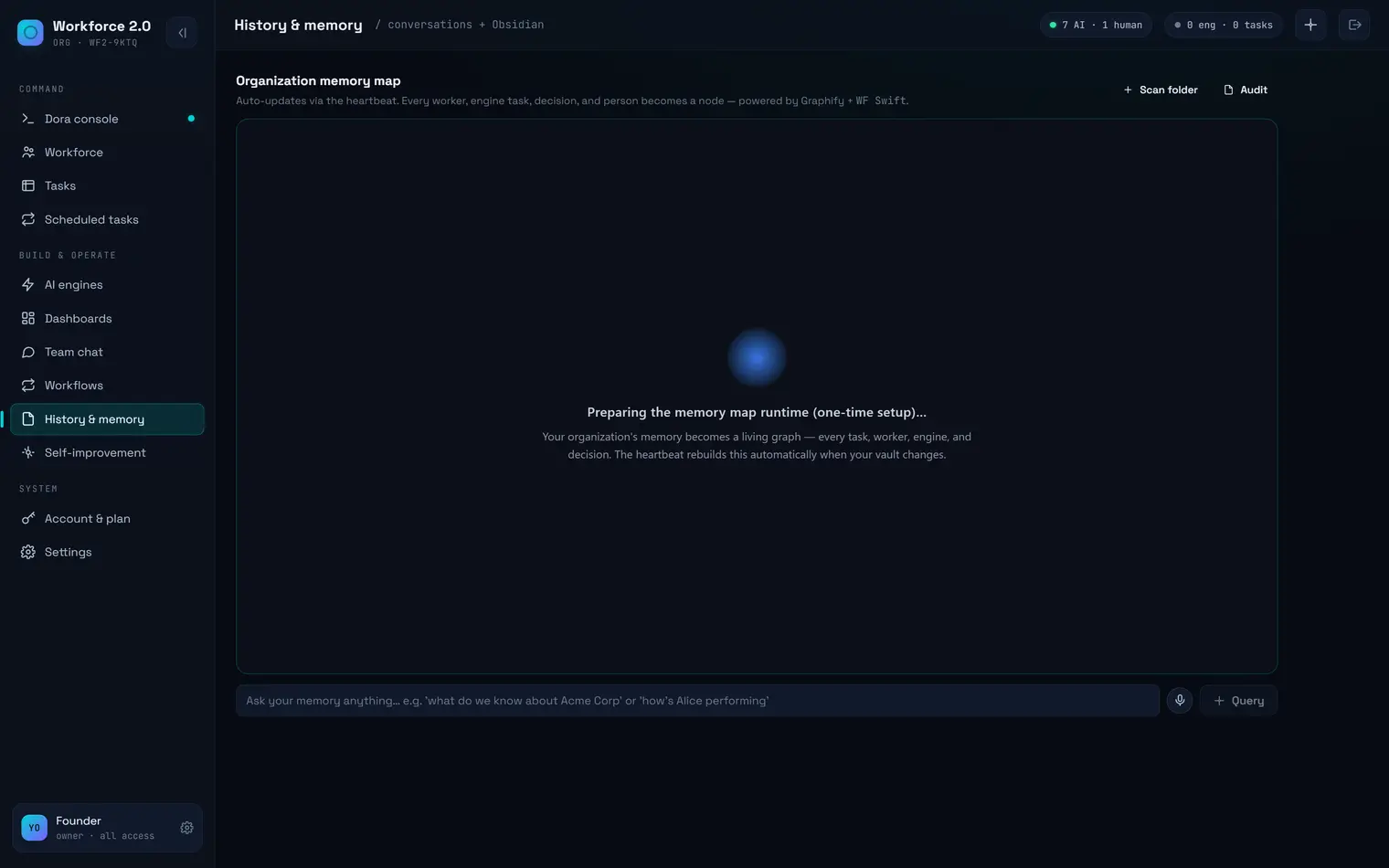
Point any folder at it and you get a map of the people and things inside and how they connect, with a written summary. Not a list of search results: a picture of what is actually in there.
Does it get worse as it fills up?
The opposite. Every night it distils what it has learned into durable facts, the shapes of jobs that keep recurring, and a picture of how you write.
From the code:
“retrieval quality IMPROVES with usage”
That is the opposite of the usual pattern, where a folder gets noisier until search stops being useful and everyone goes back to asking a colleague.
The one that compounds
What your team learns, the business keeps
Everyone works into one shared memory. Notes, decisions, reference material and the conversations behind them sync across the company every hour, in both directions, and all of it is searchable.
The handover writes itself
When someone leaves, you are not relying on a document nobody got round to writing. How they priced that job, why the client wanted it that way, the wording that actually landed — it is already in there, and the next person can just ask.
It belongs to the business
Not to one person's laptop and not to their account. A year in, a company running this knows things a fresh install cannot, and that gap only widens.
Can I correct it?
It is a folder of plain text files. Open one, fix it, and your correction survives every rebuild. It will not quietly overwrite you next time it learns something.
It opens in Obsidian, or any text editor, or Notepad. There is no proprietary format and nothing to export.
What happens if I stop using Workforce 2.0?
The folder stays exactly where it is, and every file in it opens in any text editor. There is nothing to export and nothing held hostage.